How to find the planets’ current positions
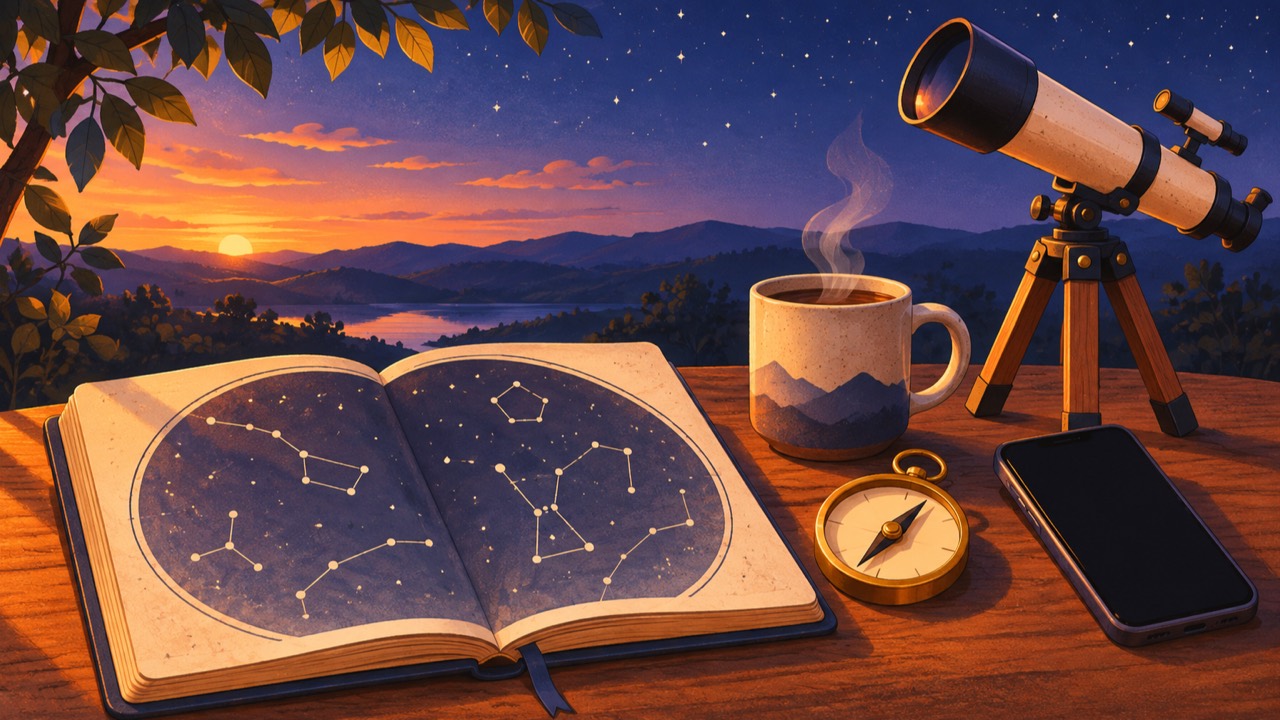
Set your observing location and time, then check each planet’s rise and set times and direction. A fixed chart is not enough for every location and hour.
1. Select the observing city
Nightvane can display any city’s sky in its local time, including a destination you plan to visit.
2. Set the date and time
Move through time in Nightvane to see the sky at a chosen hour or date. Check whether you are viewing now or your planned session.
3. Search and check rise and set times
Search for a planet and tap it to view rise and set times and brightness, then choose a target for the session.
4. Follow the direction guide
Arrows and gentle haptics guide you toward the target. Correct compass alignment by lining up the Moon or a bright star.
5. Understand what the eye can see
NASA lists Mercury, Venus, Mars, Jupiter, and Saturn as easily seen without a telescope. Planets move against the stars and tend to shine more steadily.
Sources: science.nasa.gov/skywatching/ · apps.apple.com/tw/app/nightvane-star-guide/id6826494660
 Roomory

 Hearscape

 Nightvane