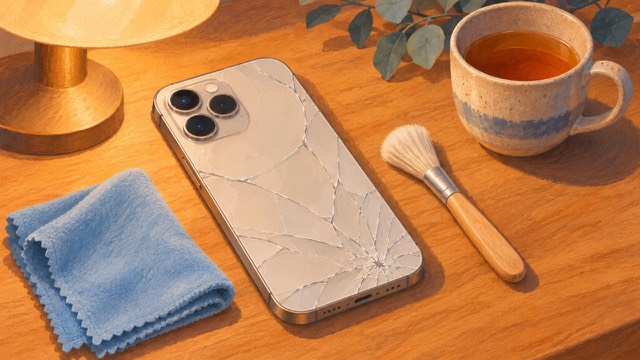
Which iPhone do I have? Look it up by model number
Before buying or selling a used phone or picking accessories, confirm the model. Apple keeps a list you can look up by model number.
1. Find the model number
Find your iPhone's model number following Apple's separate article; on older models such as iPhone 7 it is printed on the back cover.
2. Match it in Apple's list
Apple's “Identify your iPhone model” list gives each model's year, storage, colors and model numbers by region, so the model number points to the exact model.
Sources: support.apple.com/en-us/108044 · support.apple.com/en-us/106343
 Inside
 Folkline