iPhone charging slowly? How to check your charger and cable
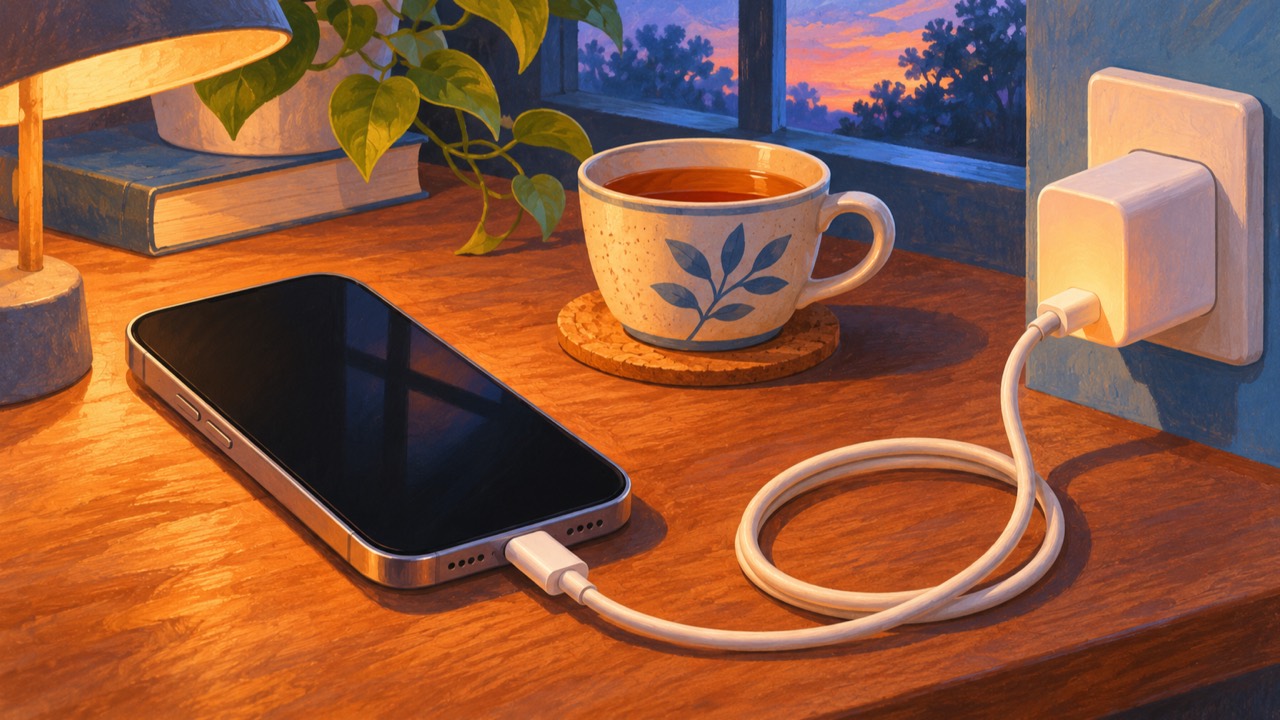
Charging speed depends on the adapter's wattage, the cable and temperature. Check the specs, then measure.
1. Check the adapter's wattage
The wattage is usually printed on the top or bottom of the adapter. Apple's fast charging needs a USB-C adapter, and third-party adapters must support USB Power Delivery (USB-PD); newer models can use higher wattage, as listed in Apple's fast charging article.
2. Use a USB-C cable
Use the USB-C cable from the box, or a USB-C to Lightning cable for older models. Older USB-A adapters and cables do not fast charge.
3. Mind the temperature
Apple notes that fast charging might not work when it is too cold or too hot.
4. Measure it
Sources: support.apple.com/en-us/102574
 Inside