How to find an iPhone serial number without guessing
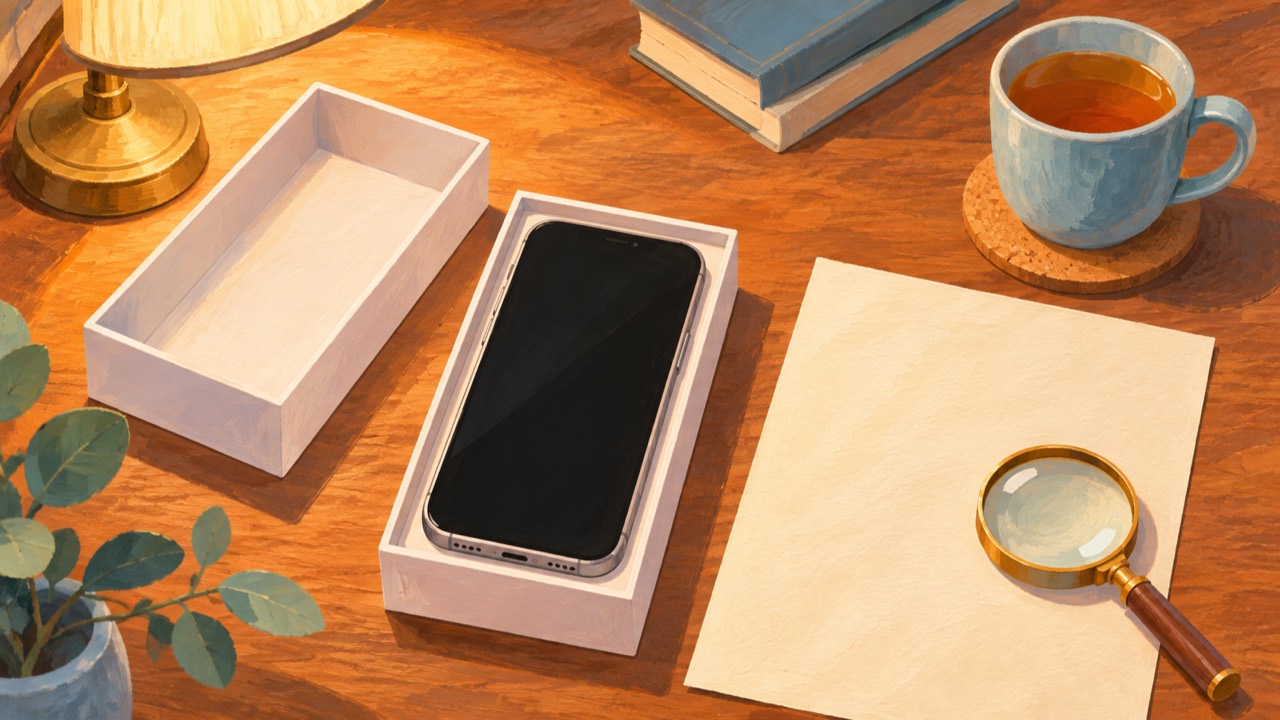
Find the serial number in About. Before setup, use the information button on the Hello screen. Without the phone, check its original packaging or your Apple Account.
1. Look in Settings
Open Settings > General > About and find Serial Number. IMEI and EID are separate identifiers, so check the field you are copying.
2. Copy rather than retype
For an Apple support form, touch and hold the number to copy it into the matching field.
3. Check before setup
At the multilingual Hello screen, tap the information button in the lower-right corner to view device identifiers.
4. Use packaging or your account
Find the serial number on the original box’s barcode label. Alternatively, sign in at account.apple.com with the phone’s Apple Account and select it under Devices.
5. Check from a computer
Connect the phone to a computer. On a Mac, open Finder, select the device, make sure you are on the General tab, and click the model name below the device name to show the serial number. On Windows, use the latest Apple Devices app or iTunes.
Sources: support.apple.com/zh-tw/108037 · support.apple.com/zh-tw/108037?device-type=iphone · apps.apple.com/us/app/inside-phone-check/id6816782363

 Inside
 Tuck