Measure rooms and furniture with iPhone: how to use the Measure app
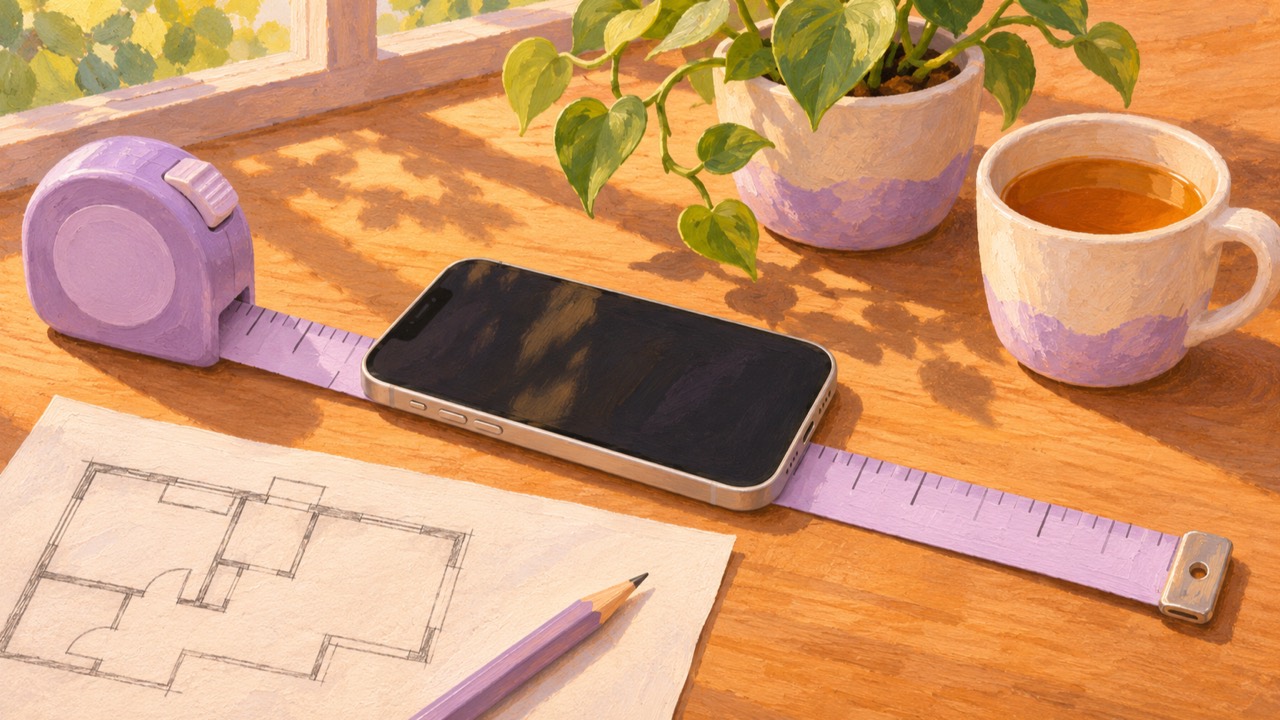
Before viewing a flat or buying furniture, get rough sizes with the built-in Measure app, then put the numbers on a floor plan.
1. Open Measure and scan
Measure is in the Utilities folder. Open it and slowly move the phone around so the object you want to measure is on screen.
2. Measure a length
Line up the dot at the center of the screen with the start point and tap Add, move to the end point and tap Add to see the length; tap Clear to start over. When a white box frames a rectangular object, tap it to see its dimensions.
3. Get closer to the real size
Apple recommends measuring well-defined objects 0.5 to 3 meters away, and measurements are approximate. Check with a tape measure before ordering or building.
Sources: support.apple.com/guide/iphone/measure-dimensions-iphd8ac2cfea/ios
 Roomory