Moving to a new iPhone: Quick Start step by step
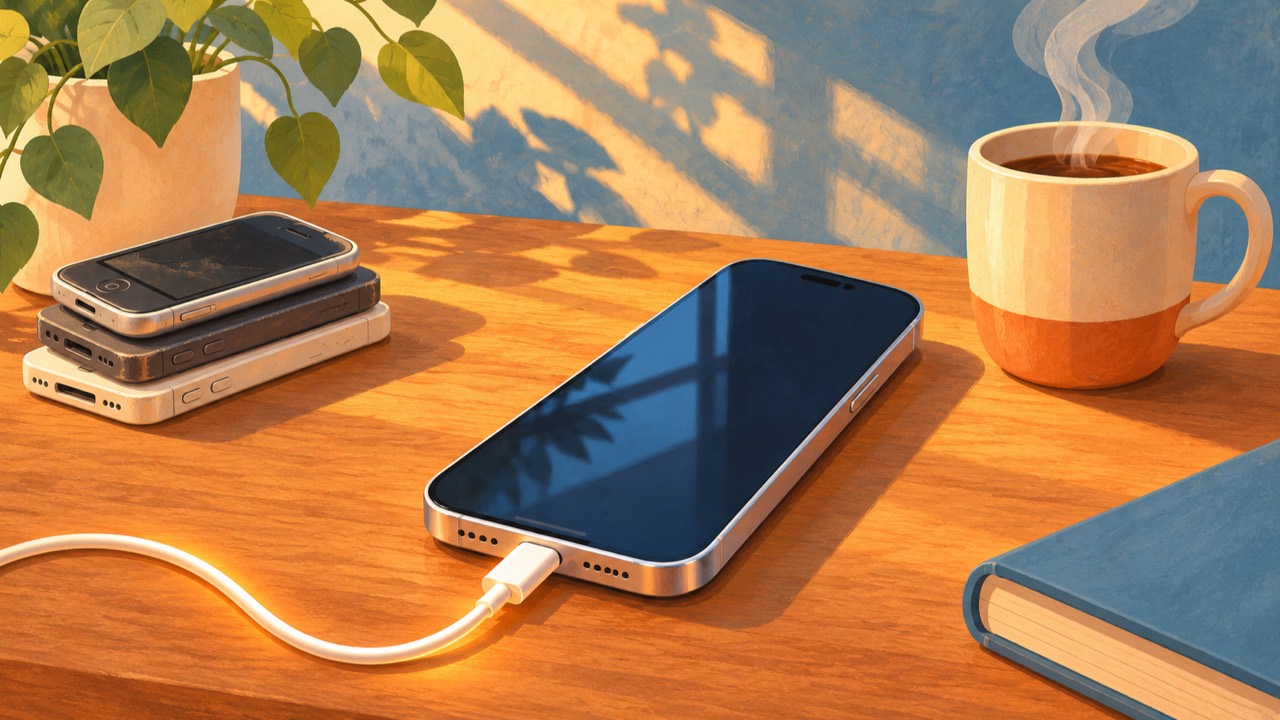
Quick Start moves your data from the old phone to the new one without a computer. Get these ready first.
1. Prepare the old phone
The old phone needs iOS 11 or later; update both phones to the latest version. Pick a time when you won't need the old phone for several minutes.
2. Bring them together and follow the screen
Put the old phone on Wi-Fi with Bluetooth on, unlocked at the Home Screen; turn on the new phone next to it, follow the onscreen steps and set up Face ID or Touch ID.
3. Choose how to transfer
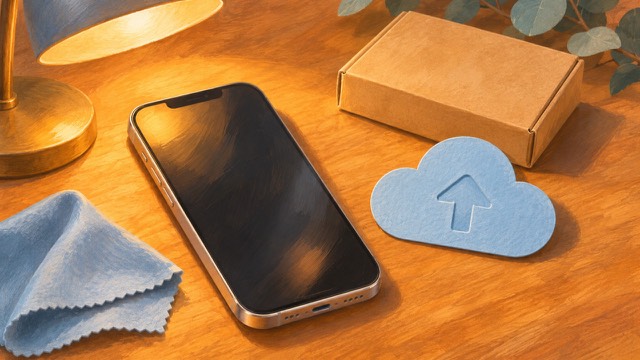
Download from iCloud (apps and data download in the background so you can start right away) or transfer directly (wait until both finish). Keep both phones together and plugged in; if the prompt disappears, restart both.
Sources: support.apple.com/en-us/102659
 Inside