Hanging a picture straight with the iPhone level
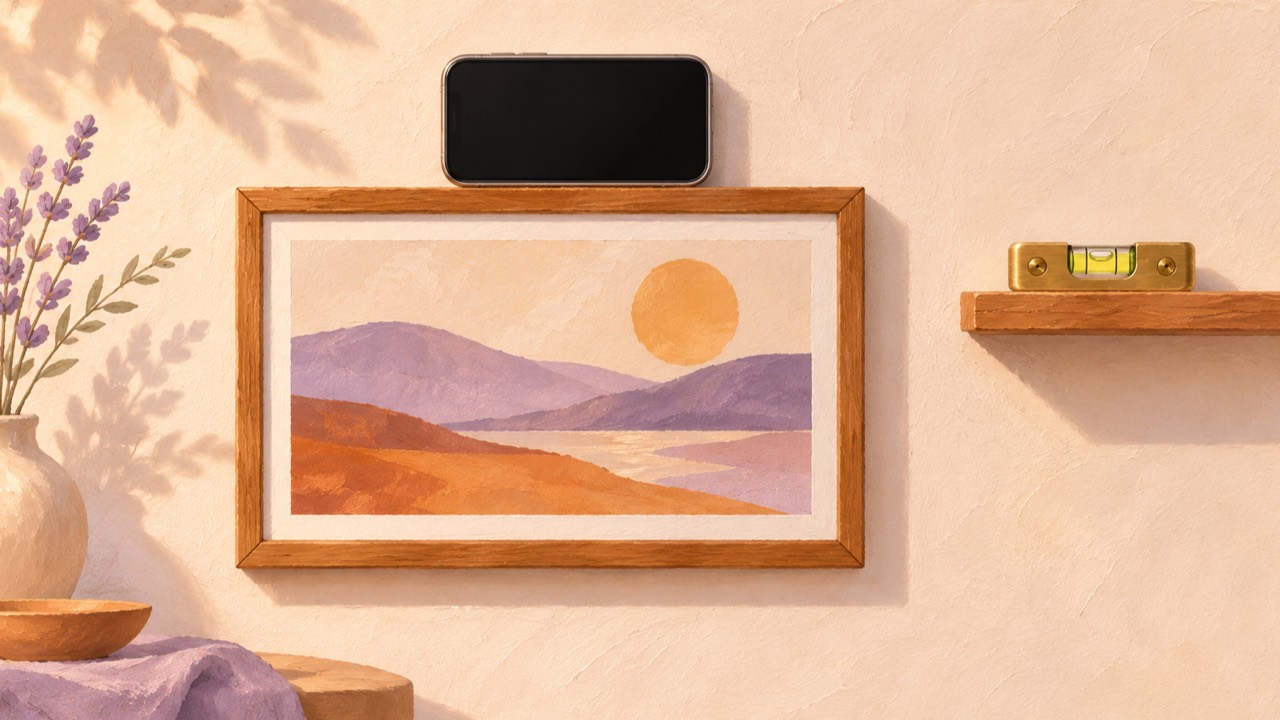
No spirit level needed: the built-in Measure app has one for hanging pictures and shelves.
1. Open the level
Open Measure in the Utilities folder, select Level, and hold the iPhone against the object, such as a picture frame.
2. Turn until it's green
Turn the object and iPhone until the display shows green. To match a slope, touch the screen to record the first angle, then turn the second object until green. Readings are approximate; touch the screen again to reset.
Sources: support.apple.com/guide/iphone/use-the-level-iphbd435673d/ios
 Roomory